Free · no subscriptions
Words that finally stick
Lexi is a free vocabulary trainer for language learners: flashcards, voice-checked pronunciation and ready-made courses that keep tricky words and phrases in your head.
- Voice pronunciation check
- Ready-made courses
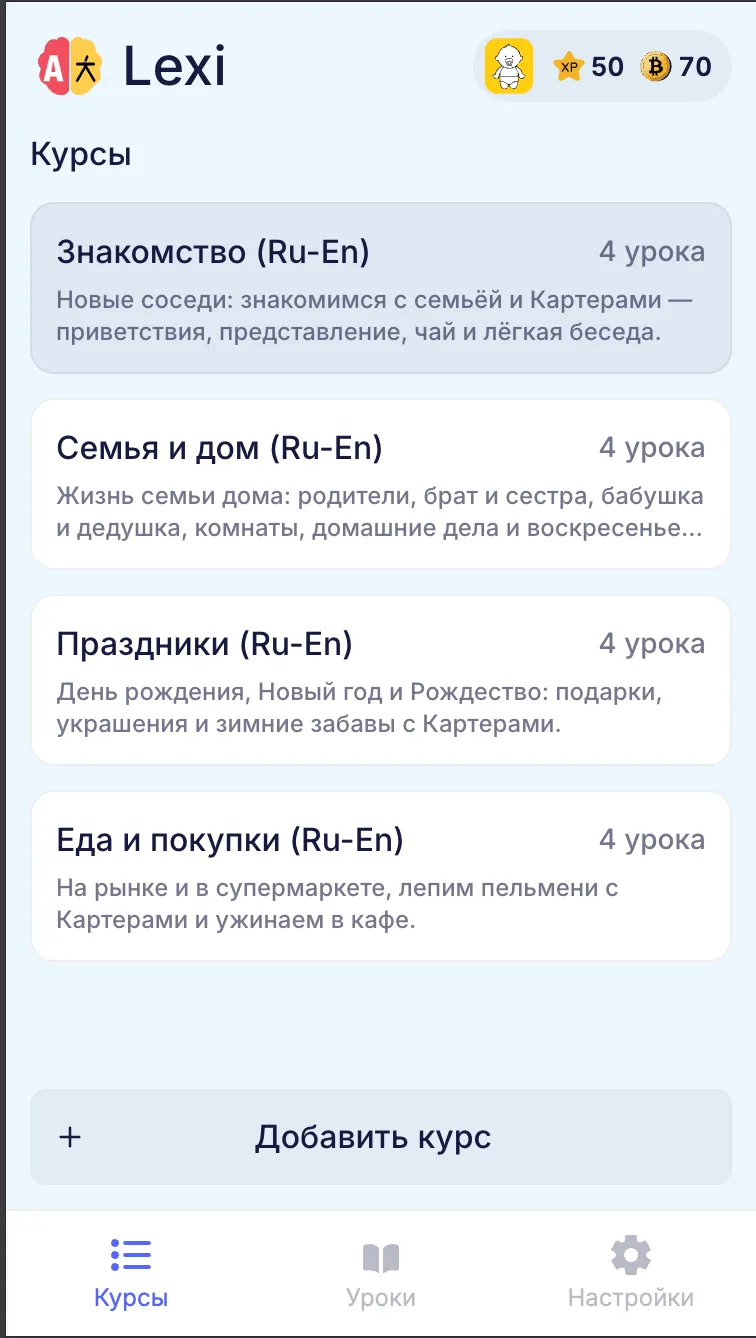
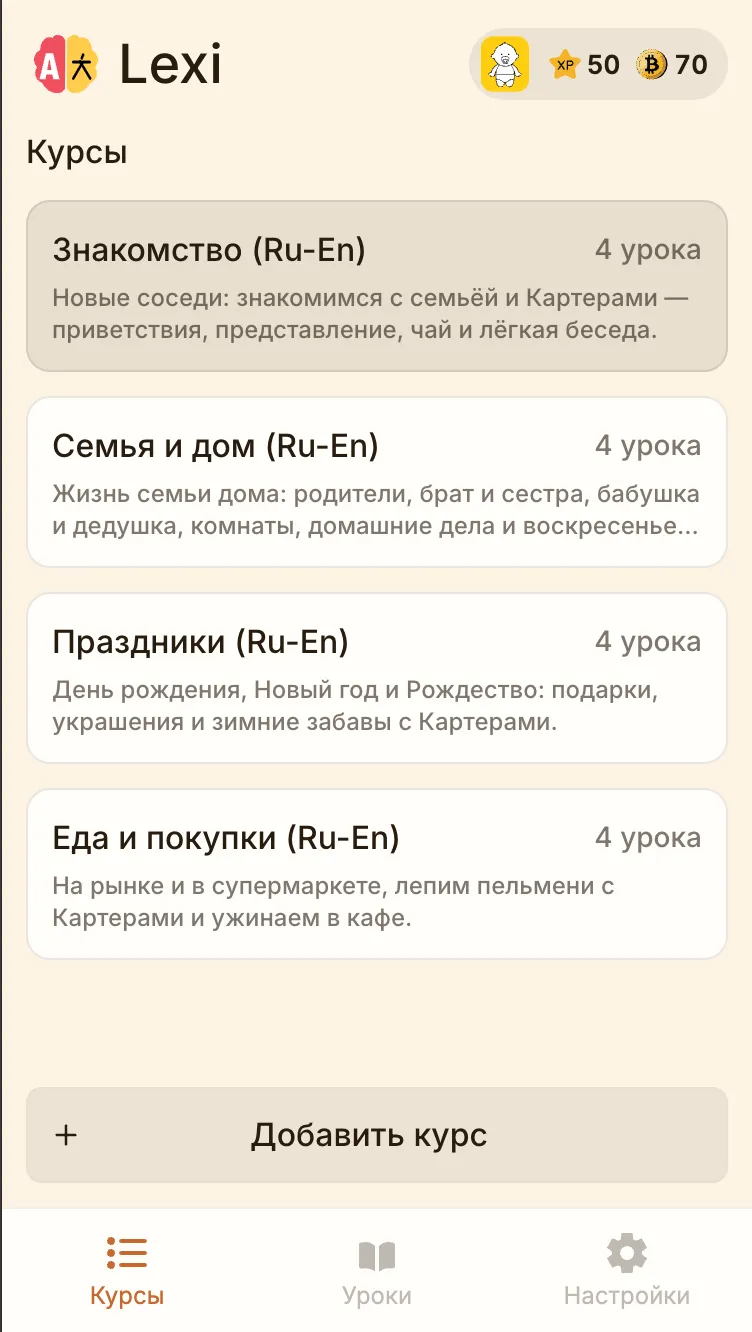
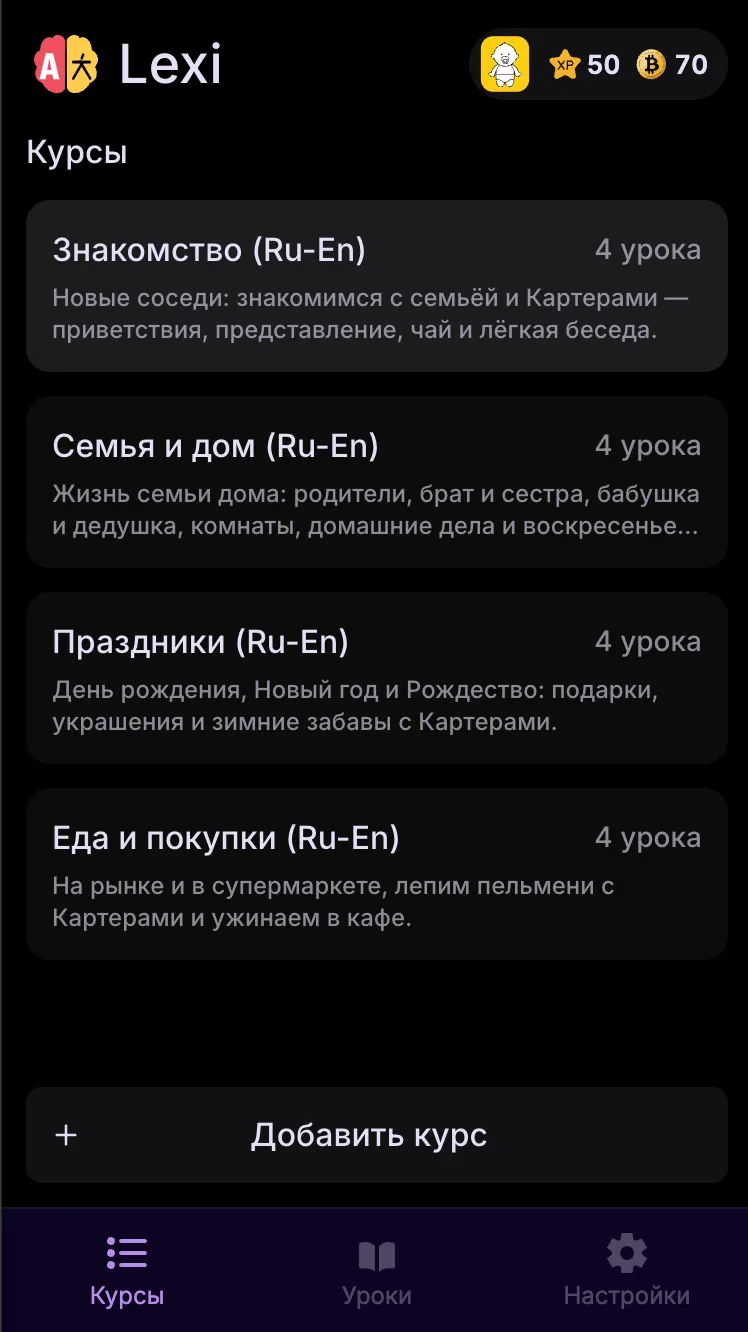
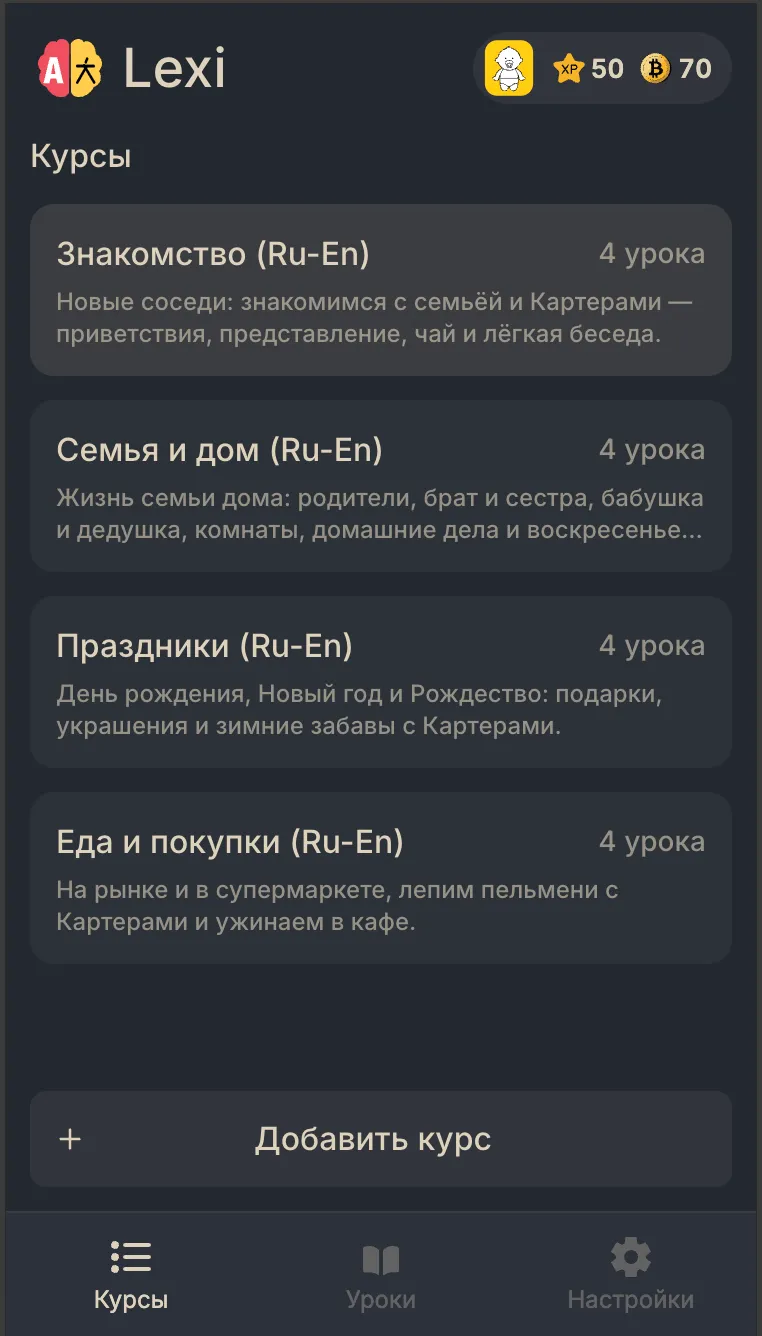
- Six colour themes
Courses and lessons
Ready-made courses, or your own programme
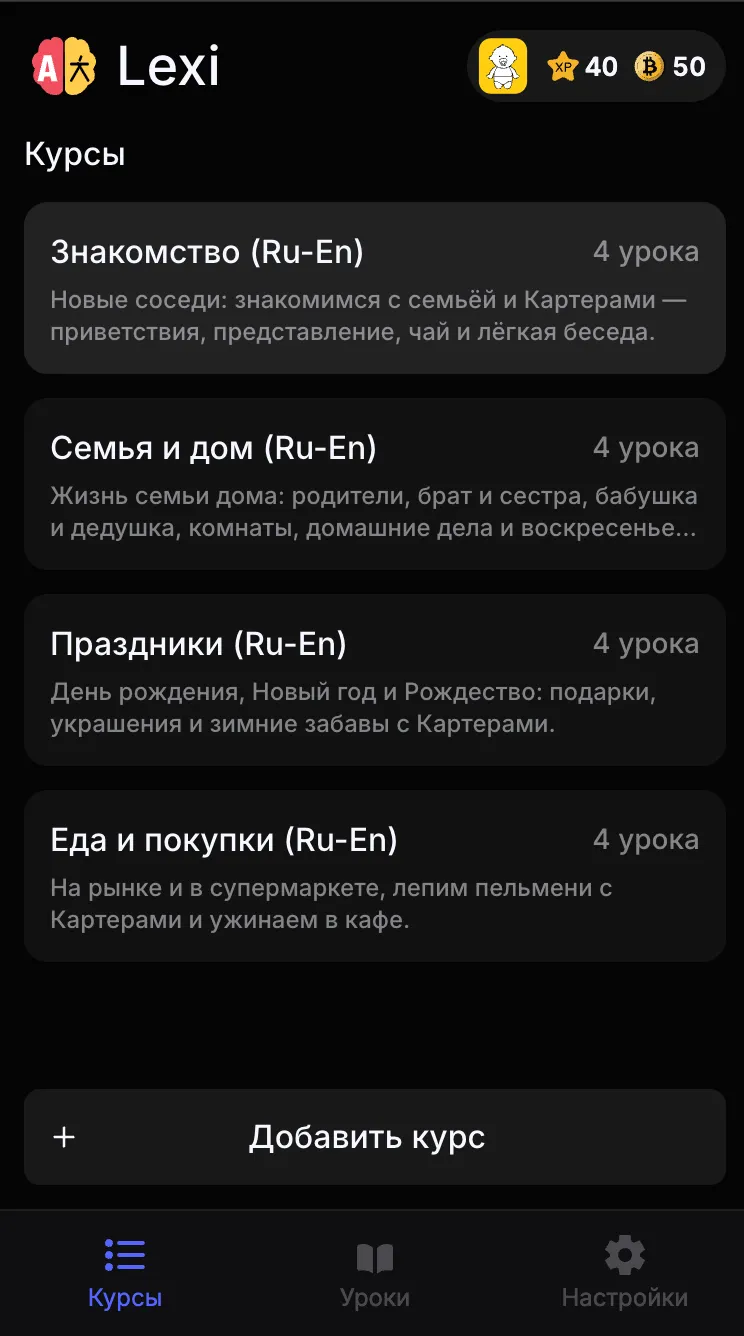
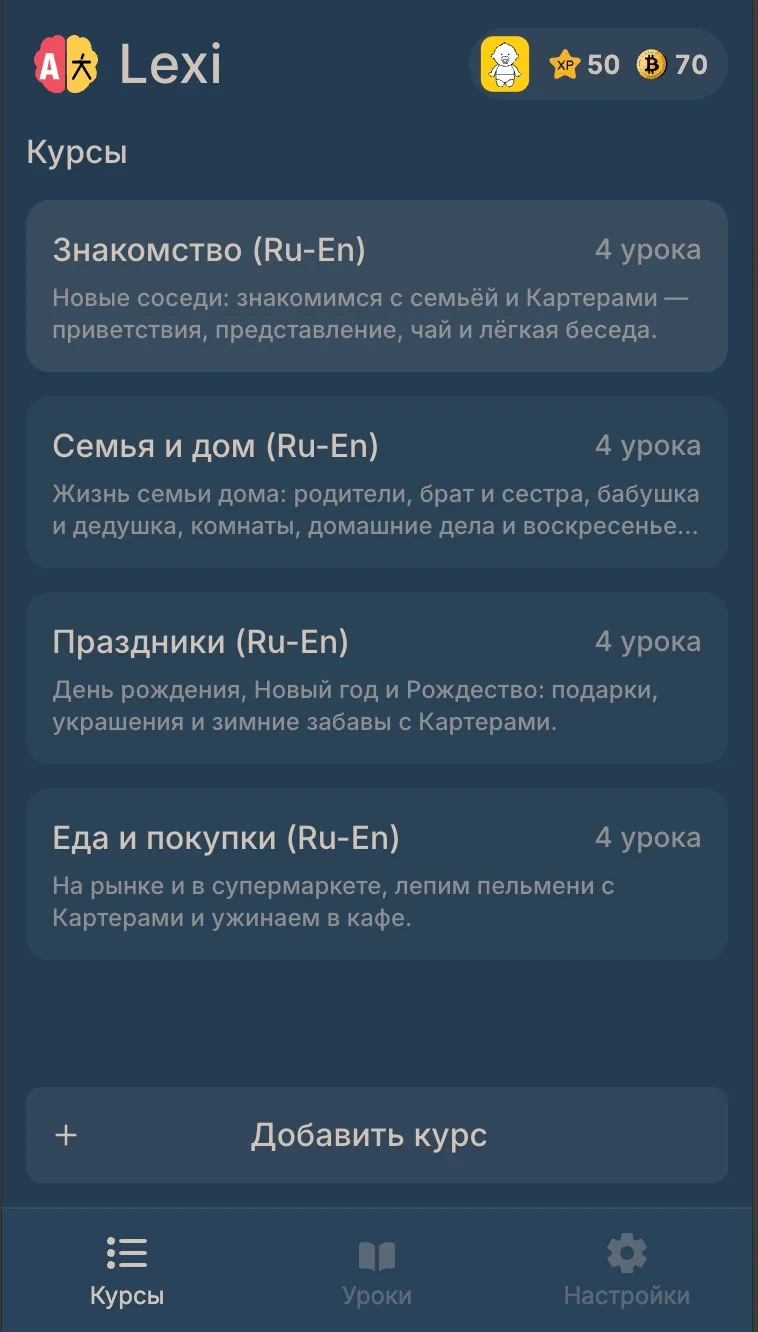
Start with a course from the catalog — by level and language — or build your own: lessons, tasks and cards take a couple of minutes in the app.
-
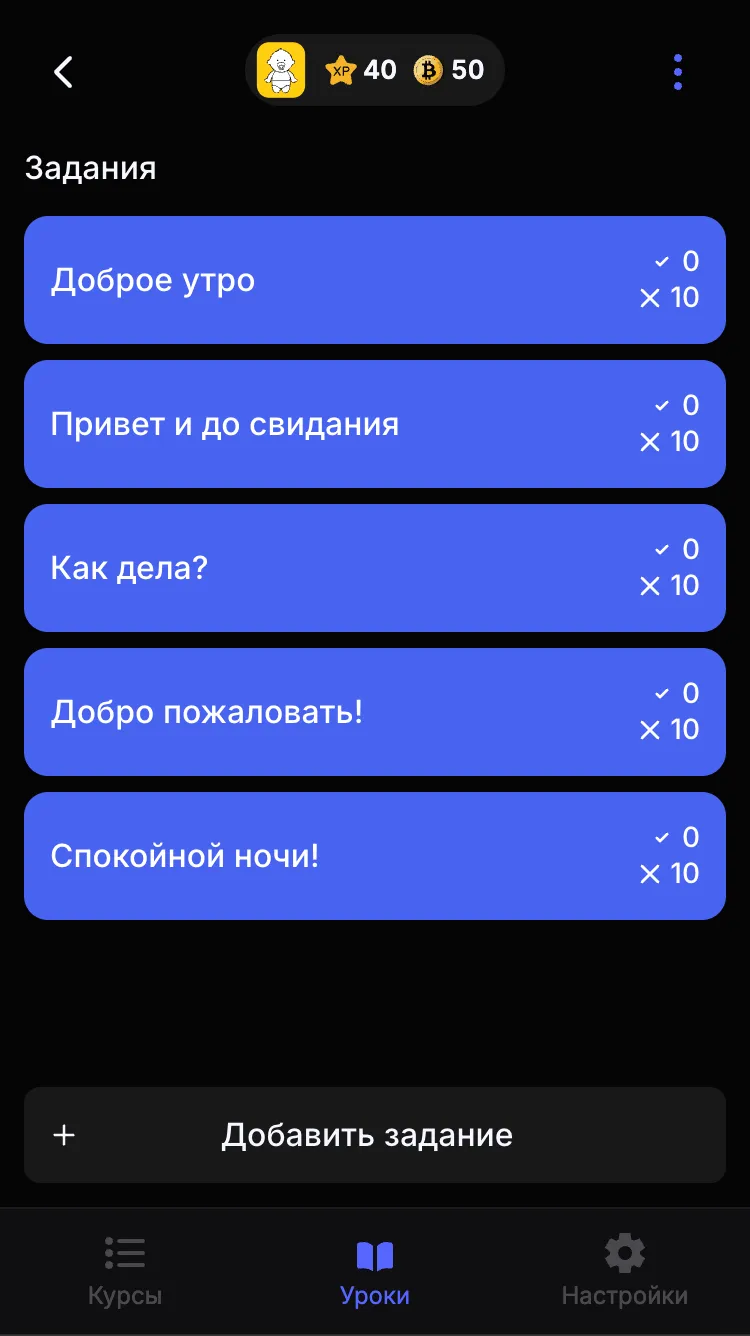
Courses by level
Beginner, Elementary, Intermediate and Upper-Intermediate — pick a course and it lands in your list right away.
-
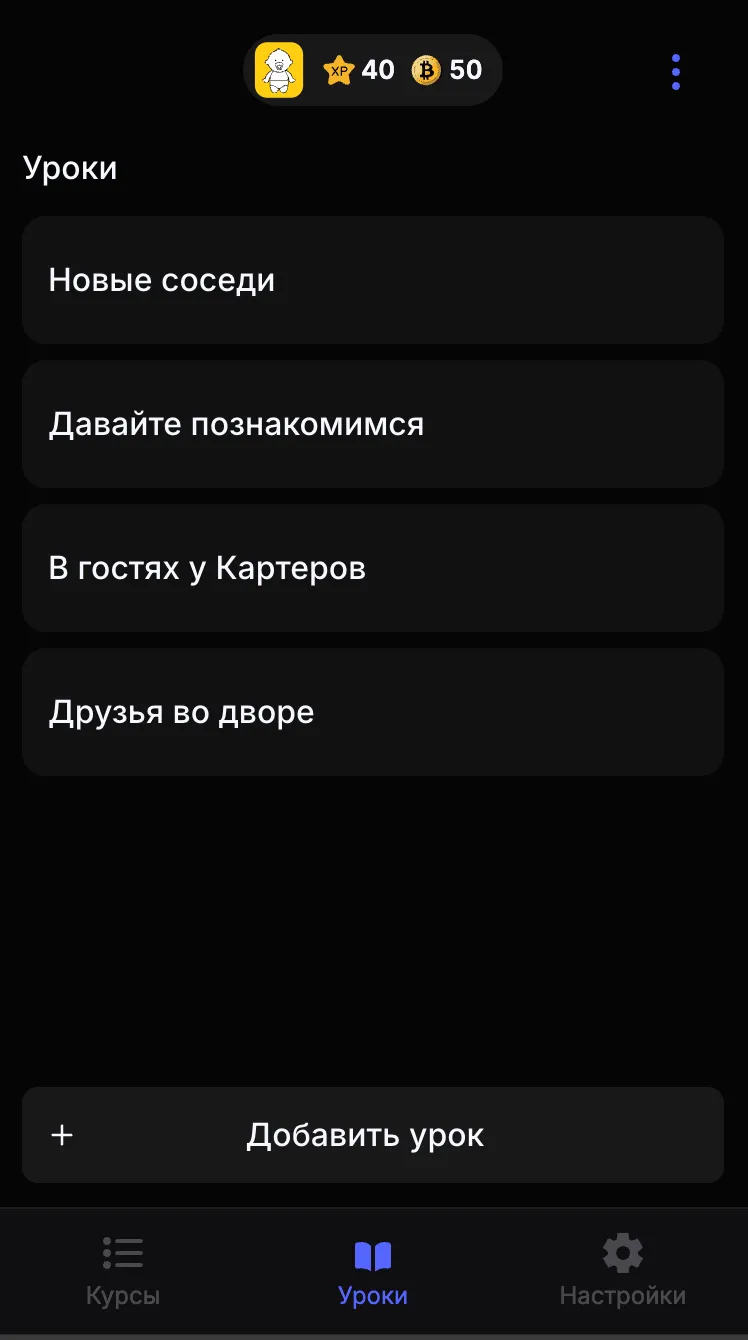
Your own lessons and tasks
Shape the course the way you study: lessons, tasks inside them and cards inside tasks.
-
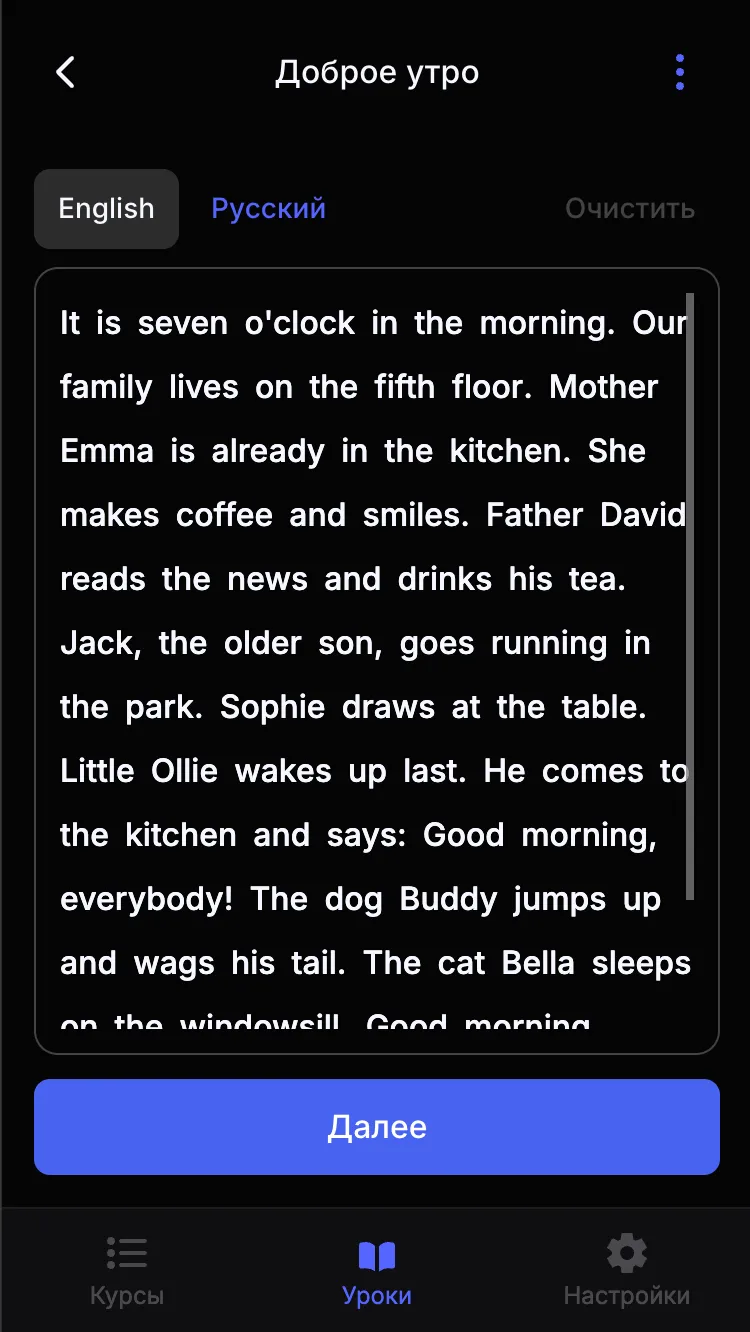
Tasks from any text
Paste a text and pick the tricky words — each one becomes a flashcard with a translation.
-
Progress and rewards
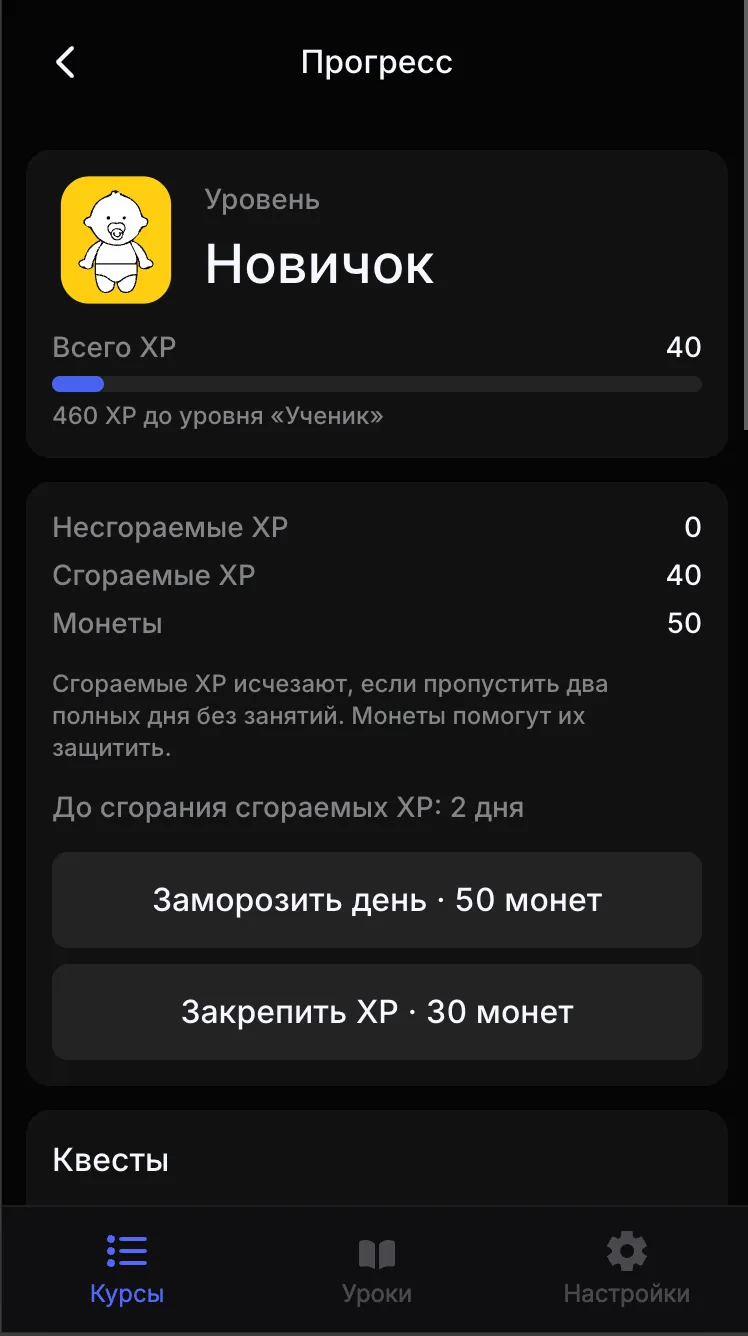
XP, levels, coins and quests show how far you have come and what comes next.
How tasks work
One task: from text to test
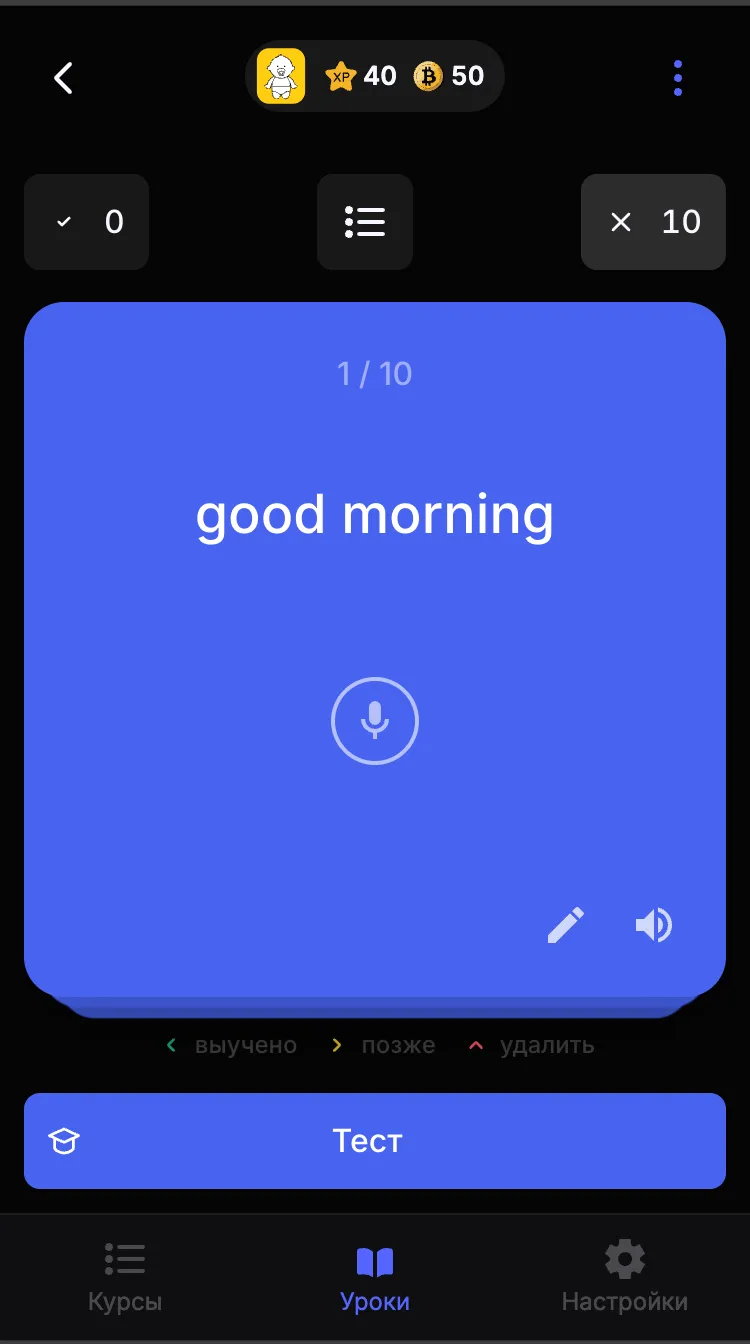
Every task follows the same rhythm — read the text, go through the cards, say the words out loud and lock it in with a test.
-
Task text
A task opens with a text in the language you are learning, translated into your own language in one tap.
-
Cards and swipes
Swipe left when you know it, right to come back later, up to delete. The deck follows your finger.
-
Pronunciation check
Say the word into the microphone — Lexi compares it with the original and forgives small slips.
-
Typing check
No microphone around? Type the answer: capital letters and punctuation do not matter.
-
Test at the end
Answer every word correctly, get a green check and move on to the next task.
Video lessons
See how it works
Four short screencasts: a tour of the app, working with a task, settings and loading a ready-made course.
-
Meet Lexi
A quick tour: courses, lessons, tasks and cards.
-
Working with a task
From the task text to the test, step by step.
-
Settings and data
Language, checks, colour themes and data: export, import and reset.
-
A ready course in a minute
Loading a course from the catalog: level, language — and off you go.
FAQ
Questions about Lexi
What the app can do, how much it costs and where your data lives.
What is Lexi?
Lexi is a free trainer for memorizing words and phrases. You go through flashcards, check pronunciation with your voice, type answers and finish each task with a test. Ready-made courses sit next to lessons you create yourself.
Is Lexi really free?
Yes. There are no subscriptions, no ads and no sign-up. The web version opens in the browser; the Android app is distributed as a free APK.
Which languages can I learn?
The catalog has ready-made courses in English, Spanish and French, split by level. You can also create your own course, lesson, task and cards for any language the app supports.
Do I need to install anything?
No: the web version works in a browser on a computer or phone. Install the Android APK if you want offline speech recognition, system voice-over and the full feature set.
Does Lexi work offline?
The Android app keeps courses and cards on the device, and the speech recognition model works offline after download. Translation of new words and the web version may need a connection.
Where are my cards stored?
On your device, not on our server. In settings you can export a backup, import it on another device or reset the data.
How do I install the Android app?
Tap “Download the APK”, open the file and allow installation from this source when Android asks. The app is distributed outside Google Play, so the system may show a warning.
Download
Start learning for free
The web version runs straight in the browser. The Android app adds more: an offline speech recognition model and system voice-over.
- No sign-up
- No ads or subscriptions
- Your cards stay on your device